High performance computing hpc center
An in-depth look at what a high performance computing HPC center is, how it operates, and how organizations can leverage it.
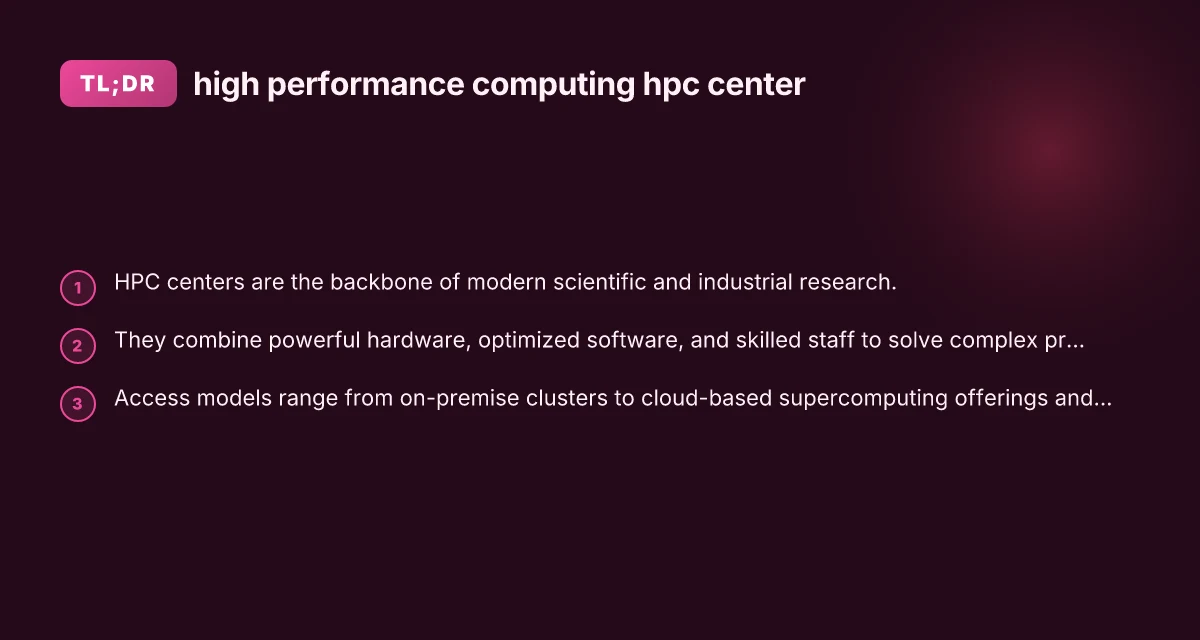
High performance computing (HPC) centers are specialized facilities that enable researchers and organizations to run large-scale computations far beyond the capabilities of typical desktop or server hardware. They bring together powerful processors, fast interconnects, large memory pools, and sophisticated software ecosystems. The result is the ability to model, simulate, and analyze at scales that unlock new insights across science, engineering, and industry.
What an HPC center is and why it matters
An HPC center is a centralized resource hub designed for parallel computing tasks. Key components include:
- Compute hardware: multi-core CPUs, many-core accelerators (like GPUs), and high memory nodes.
- Storage systems: parallel file systems and data management tools to keep data flowing at scale.
- Networking: high-bandwidth, low-latency interconnects that tie thousands or tens of thousands of cores together.
- Software stack: schedulers, parallel libraries, compilers, and domain-specific apps tuned for performance.
- Support services: user help desks, system administration, performance analysis, and job orchestration.
Why it matters: HPC enables simulations and data analyses that are impractical on standard servers. This accelerates research cycles, enables new discoveries, and supports industries from climate science to financial risk modeling and oil and gas exploration.
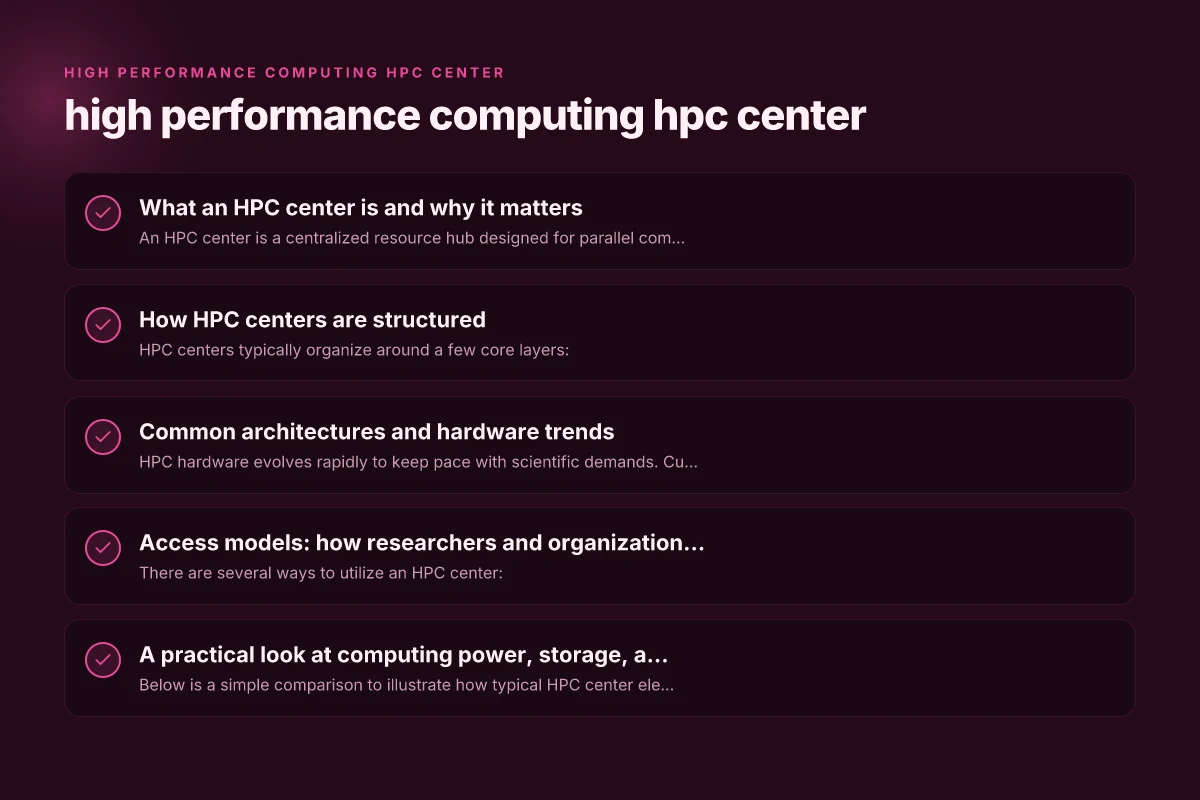
How HPC centers are structured
HPC centers typically organize around a few core layers:
- Infrastructure layer: the physical hardware, cooling, power, and data center design that supports dense compute.
- Compute layer: clusters composed of nodes, often grouped into partitions or queues tailored for different workloads.
- Storage and data layer: scalable, parallel storage with fast I/O, data management, backups, and archival options.
- Software and tools layer: resource managers (schedulers), job submission interfaces, and a suite of runtime environments.
- Service and support layer: user onboarding, training programs, performance tuning, and incident response.
In larger centers, you may find multiple clusters optimized for different workloads (e.g., CPU-optimized, GPU-accelerated, memory- or IO-focused) within the same facility. Hexagrid: What It Is, How It Works, and Why It Matters
Common architectures and hardware trends
HPC hardware evolves rapidly to keep pace with scientific demands. Current trends include:
- Heterogeneous compute: combining CPUs with GPUs, FPGAs, or specialized accelerators to accelerate specific workloads.
- Scalable interconnects: advanced networks like InfiniBand or high-speed Ethernet to minimize communication overhead in large job runs.
- Memory hierarchies: large RAM pools, high-bandwidth memory, and tiered storage to keep data close to compute.
- Energy efficiency: modern nodes focus on performance per watt, with innovations in cooling and power capping.
- Visualization and data analytics: near-real-time post-processing and in-situ analytics to reduce data movement.
Understanding these trends helps organizations plan upgrades, estimate TCO, and select the right architecture for their research questions.
Access models: how researchers and organizations use HPC centers
There are several ways to utilize an HPC center:
- On-premise HPC: an institution owns and operates its own cluster, offering maximum control and potentially lower long-term costs for high-volume users.
- Remote or shared HPC centers: national laboratories, universities, or consortia provide access to multi-user clusters with allocation processes and fair-share policies.
- Cloud-based HPC: public cloud providers offer scalable HPC resources on demand, enabling pay-as-you-go usage and easy scaling for burst workloads.
- Hybrid approaches: combine on-premise resources with cloud bursts or on-demand capacity for peak demand or specialized hardware.
Choosing the right model depends on workload characteristics, budget, data governance, and the need for specialized hardware. Gvms profiles rey castuciano: a deep dive into the GVMS profiles and Rey Castuciano’s role
A practical look at computing power, storage, and services
Below is a simple comparison to illustrate how typical HPC center elements map to workload needs:
| Component | Typical role in HPC center | When you need it |
|---|---|---|
| Compute nodes | Core processing power, CPUs/GPUs | Large-scale simulations, data analysis |
| Interconnect network | Fast communication between nodes | MPI-based workloads, tight coupling |
| Parallel file system | High-throughput shared storage | Large datasets, frequent I/O operations |
| Job scheduler | Queues and fair sharing of resources | Coordinated, multi-user workloads |
| Accelerators (GPU/TPU) | Specialized compute units | Deep learning, particle transport, CFD with GPUs |
| Data management tools | Metadata, backups, archival, replication | Compliance, reproducibility, long-term storage |
This table highlights how HPC centers balance compute, storage, and software to support diverse workloads. The right mix depends on the research questions, software stacks, and data volumes you expect to handle.
People, processes, and governance
Beyond hardware, the success of an HPC center hinges on people and processes:
- System administration and engineering: ensure uptime, performance optimization, firmware updates, and security hardening.
- Middleware and software teams: maintain compilers, libraries, and workflow tools. Optimize runtimes for specific codes.
- User support and training: onboarding, best practices for job submission, and guidance on performance tuning.
- Data governance and security: access controls, encryption, data retention policies, and compliance with data protection regulations.
- Usage policies and allocation: clear criteria for resource access, quotas, and transparency in how resources are distributed.
Establishing a strong user liaison, clear documentation, and routine performance reviews helps maintain a productive HPC environment. Gvms profiles harvey gershensen
Performance, pricing, and procurement considerations
When planning or evaluating an HPC center, consider:
- Performance metrics: FLOPS, memory bandwidth, I/O throughput, and network latency, but also application-specific metrics like time-to-solution.
- Total cost of ownership (TCO): include capex for hardware, Opex for power and cooling, software licenses, and personnel.
- Utilization and efficiency: high utilization is good, but fairness and queue times matter for user productivity.
- Scalability: ensure the architecture can grow with demand, both in compute power and software capabilities.
- Security and compliance: data protection, access controls, and audit trails are essential for sensitive workloads.
- Upgrades and lifecycle: plan for hardware refresh cycles, software deprecation, and migration paths.
An HPC investment often requires a multi-year horizon and collaboration across research groups, IT, finance, and leadership.
Comparing on-premise, cloud, and hybrid HPC options
A compact comparison to help stakeholders decide:
| Model | Pros | Cons |
|---|---|---|
| On-premise | Full control, predictable maintenance cadence, potential cost savings at scale | High upfront capex, ongoing power/cooling, scale limited by facility |
| Cloud HPC | Elasticity, rapid provisioning, no facility concerns | Ongoing costs can be higher for steady workloads, data transfer considerations |
| Hybrid | Best of both worlds, burst capacity, regional data compliance | Complexity of orchestration, data movement between environments |
Organizations often start with on-premise for steady, mission-critical workloads and add cloud bursts or full cloud HPC for peak demand, large parameter sweeps, or specialized hardware access. Gateway venture mentoring service and umsl ite roll out flipzone unique training program helps small businesses scale up
Getting started with leveraging an HPC center
If your team is considering using an HPC center, here’s a practical starting plan:
- Define the problem scope: establish the computational goals, target accuracy, and time constraints.
- Profile workloads: identify dominant codes, parallelization strategy, and memory/IO requirements.
- Assess data needs: estimate input sizes, storage bandwidth, and retention policies.
- Choose access model: determine whether on-premise, cloud, or hybrid best suits your needs.
- Build a usage plan: draft job sizes, queue expectations, and hybrid workflows if applicable.
- Invest in skills: ensure researchers and IT staff receive training on MPI, CUDA, job schedulers, and performance profiling tools.
- Pilot project: run a small-scale test to validate performance, costs, and data governance before scaling up.
A well-planned pilot helps validate estimates and aligns expectations across teams.
Final recommendations
- Start with a clear value proposition: articulate what problems the HPC center will solve and how it will accelerate your research or product development.
- Map workloads to hardware: know which codes benefit most from CPUs, GPUs, memory, or fast interconnects.
- Choose the right access model: for ongoing high-volume use, on-premise with potential cloud bursts often offers a good balance. For variable demand, cloud HPC can be cost-effective.
- Invest in people and processes: the best hardware is underutilized without skilled operators, performance analysts, and robust governance.
- Plan for the lifecycle: include upgrades, data management, and security in budgeting and roadmaps.
In summary, a high performance computing HPC center serves as the computational engine for modern discovery. It combines powerful hardware, sophisticated software, and expert human support to enable simulations, data analysis, and optimizations that drive science, engineering, and industry forward. With careful planning, an organization can harness HPC center capabilities to achieve faster time-to-insight, better model fidelity, and more ambitious research outcomes.