Shared facility resources: what they are and why they matter
A practical guide to shared facility resources, how they work, benefits, and best practices for organizations.
The concept of shared facility resources is increasingly common in offices, universities, research parks, and large-scale organizations. By pooling equipment, spaces, and support services, organizations can reduce idle capacity, lower costs, and accelerate projects. This article explains what shared facility resources are, how to set them up, and the practical considerations that make them successful.
Comparison of what counts as a shared facility resource
| Resource category | Examples | Ownership role | Access model | Typical cost driver | Key note |
|---|---|---|---|---|---|
| Physical spaces | Labs, rooms, workshops | Shared ownership | Open access, reservation | Space utilization | Separate spaces may exist |
| Equipment | printers, CNC machines | Shared or pooled | Scheduled use | Maintenance/consumables | Some items require training |
| Data resources | shared datasets | Central repository | Controlled access | Licensing | Anonymization may be needed |
| Services | cleaning, security | Managed by facility | On-demand | staffing levels | Service level matters |
| Software licenses | design tools, CAD | Central license pool | Token vs. concurrent | License counts | Compliance required |
Compiled November 2026; check the provider's site for current details.
What counts as a shared facility resource?
Shared facility resources are assets that multiple teams or departments can access on a scheduled or on-demand basis. They typically include:
- Physical spaces: conference rooms, labs, workshops, studios, and maker spaces.
- Equipment: specialized tools, machinery, AV systems, 3D printers, CNC machines, and high-end computing clusters.
- Services: lab technicians, IT support, facilities management, cleaning, and security.
- Consumables and infrastructure: common supply cabinets, network bandwidth, power, cooling, and data storage.
- Software and licenses: shared access to design, analytics, or simulation software.
Key idea: the “shared” nature hinges on governance that enables fair access, predictable availability, and transparent cost allocation.
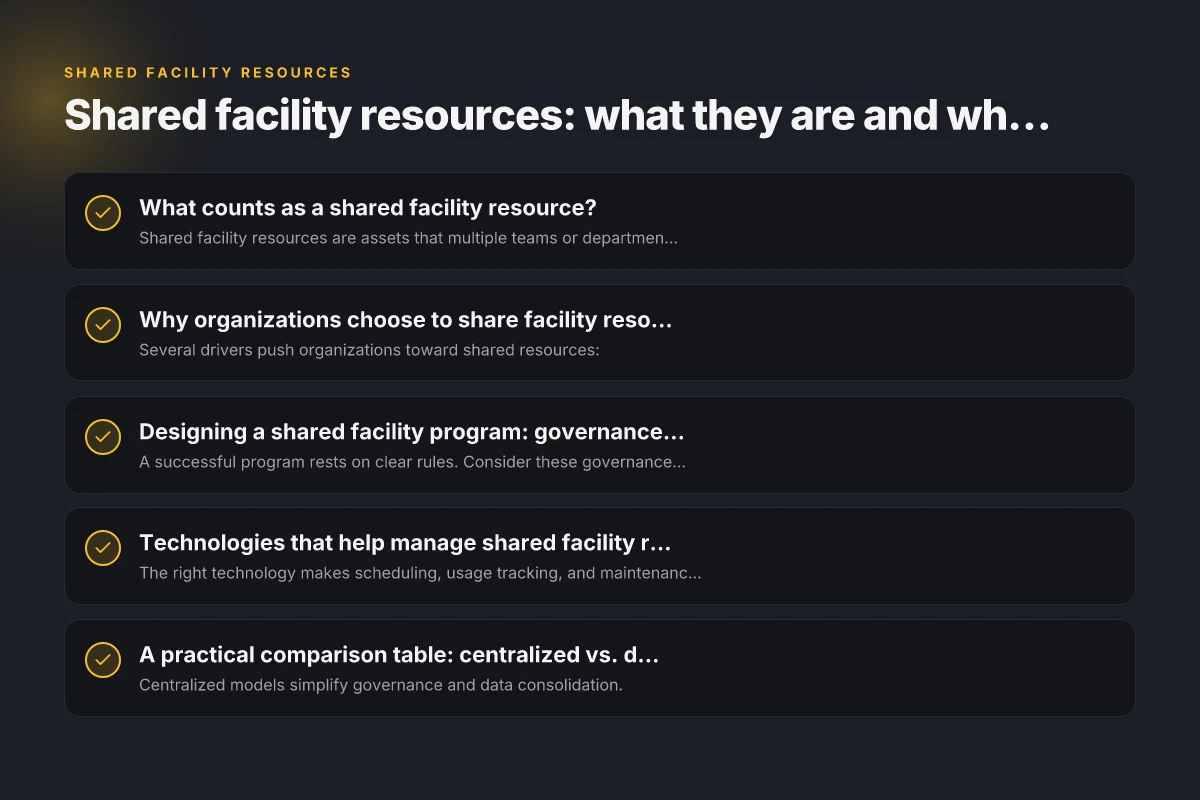
Why organizations choose to share facility resources
Several drivers push organizations toward shared resources:
- Cost efficiency: spreading the overhead across many users lowers per-user or per-project costs.
- Utilization optimization: equipment and spaces sit idle infrequently. Sharing increases throughput.
- Innovation enablement: access to advanced tools without heavy capital expenditure.
- Collaboration: shared spaces foster cross-team interaction, knowledge exchange, and serendipitous collaboration.
- Risk management: centralized maintenance and standardized safety protocols reduce compliance risk. When planning a shared facility, leadership should quantify potential savings and establish a clear value proposition for stakeholders.
Designing a shared facility program: governance and policies
A successful program rests on clear rules. Consider these governance components: Seal color
- Access policy: who can use what resources, at what times, and under which conditions.
- Scheduling and reservations: a centralized calendar, priority rules, and notification workflows.
- Allocation and pricing: cost recovery models, tiered access, and any subsidies for internal groups.
- Maintenance and care: responsibilities for upkeep, calibration, and replacement.
- Safety and compliance: training requirements, risk assessments, and incident reporting.
- Data and privacy: handling of data generated by shared tools and systems.
- Review and renewal: periodic evaluation of usage, impact, and policy updates.
Practical tip: appoint a facilities coordinator or a small committee to own the program and serve as the single point of contact.
Technologies that help manage shared facility resources
The right technology makes scheduling, usage tracking, and maintenance more reliable. Useful tools include:
- Computerized reservation systems: online booking for rooms and equipment with access controls.
- Asset management software: keeps inventory, maintenance schedules, calibration records, and warranties.
- IoT and sensors: monitor occupancy, energy use, and machine status to optimize utilization.
- Access control and security: badge readers or biometrics to enforce who can use resources and when.
- Analytics dashboards: usage trends, peak times, and utilization rates to inform capacity planning.
- Integration platforms: connect scheduling, ticketing, and invoicing for seamless operations.
When selecting technology, consider ease of use, interoperability with existing systems, data privacy, and total cost of ownership.
Comparison of why organizations choose to share facility resources Schedule a tour contact US
| Reason | Benefit | Risk | Governance signal | Scale impact | Example indicator |
|---|---|---|---|---|---|
| Cost savings | Lower capex, opex | Underutilization risk | Clear policies | Scales with users | Utilization rate |
| Resource flexibility | Easier access to tools | Scheduling conflicts | Transparent rules | Network effects | Time-to-access |
| Innovation enablement | Cross-pollination | IP concerns | IP controls | Regional spread | Collaboration metrics |
| Risk pooling | Shared maintenance | Dependency risk | SLAs | Cross-domain use | Downtime incidents |
| Sustainability | Shared energy, waste | Complexity | Eco governance | Asset lifespan | Resource efficiency % |
Compiled November 2026; check the provider's site for current details.
A practical comparison table: centralized vs. distributed shared facilities
| Aspect | Centralized shared facility | Distributed shared facility |
|---|---|---|
| Access control | Single, uniform policy | Multiple policies per site or department |
| Scheduling | Unified calendar | Site-specific or resource-specific calendars |
| Capital expenditure | Consolidated investments | Lower upfront costs per location; scale with growth |
| Maintenance | Centralized team | Local maintenance teams with shared standards |
| Utilization data | Holistic analytics | Granular, site-by-site insights |
| Scalability | High in a single ecosystem | Flexible growth across locations |
| Trade-offs | Potential bottlenecks; is often easier to govern | Requires synchronization across sites but enhances redundancy |
| Notes: |
- Centralized models simplify governance and data consolidation.
- Distributed models improve local accessibility and can reduce commute times for teams.
Implementing a pilot: steps to start small and learn fast
Starting with a pilot helps teams test assumptions before a full rollout:
- Define goals: cost savings, utilization targets, or speed to project completion.
- Select a pilot scope: choose a limited set of resources (e.g., two conference rooms, one 3D printer, and one data workstation).
- Establish governance: create access rules, reservation procedures, and pricing.
- Choose technology: implement a lightweight scheduling tool and asset registry.
- Run for 3–6 months: monitor usage, collect feedback, and track KPIs.
- Review and scale: adjust policies, expand to more resources, and refine the program.
KPIs to watch:
- Utilization rate (planned vs. actual use)
- Reservation lead time (how far in advance users book)
- Wait time for popular resources
- Maintenance turnaround time
- User satisfaction and safety incidents
Best practices for sustaining shared facility resources
- Communicate clearly and often: publish policies, usage guides, and contact points.
- Build a transparent cost model: show how charges are calculated and where savings come from.
- Standardize processes: uniform training, safety checks, and calibration procedures.
- Schedule preventive maintenance: avoid downtime due to unexpected failures.
- Encourage feedback loops: quick surveys after use. Iterate based on responses.
- Plan for capacity: periodically reassess demand and adjust capacity or access policies accordingly.
- Foster a culture of care: users are stewards of shared assets. Emphasize cleanliness and responsible use.
Centralized vs. distributed shared facilities — decision matrix Schedule a tour: your step-by-step guide to booking a tour efficiently
| Dimension | Centralized | Distributed | Advantage of mix | Common pitfalls | Key decision pointer |
|---|---|---|---|---|---|
| Governance | Single policy | Local rules | Consistency | Fragmentation | Desired uniformity |
| Access control | Central policy | Local discretion | Easier compliance | Inconsistency | Compliance needs |
| Capital planning | One budget | Multiple budgets | Predictable | Budget fragmentation | Financial control |
| Maintenance | Central team | Local teams | Standardized care | Duplication | Maintenance overhead |
| Scalability | Easier to scale | Targeted expansion | Hybrid sweet spot | Coordination overhead | Desired growth path |
| Data & security | Unified controls | Varied controls | Unified policy | Varying compliance | Security requirements |
Compiled November 2026; check the provider's site for current details.
The short, practical recommendation
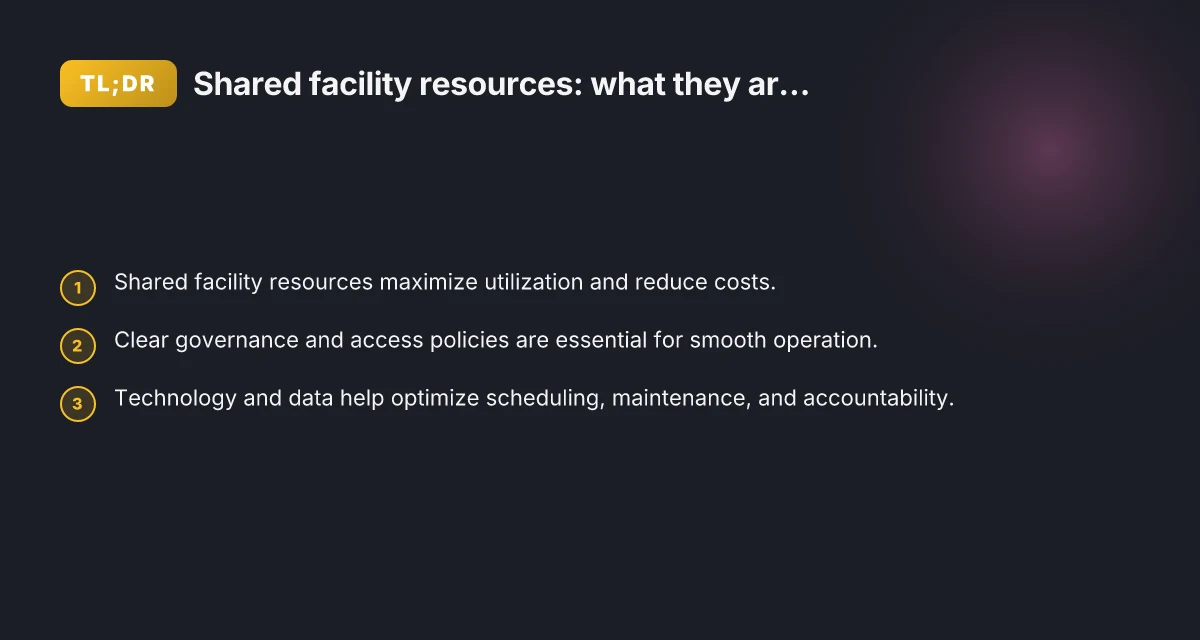
If you’re considering shared facility resources, start with a focused pilot that covers 2–3 key assets and a single governance framework. Use a simple reservation system, assign a facilities lead, and track utilization against a small set of metrics. Learn from the pilot, then scale thoughtfully by expanding resources and refining policies. This approach minimizes risk while delivering early wins in efficiency, collaboration, and cost control.
In summary, shared facility resources are a powerful way to maximize asset utilization, reduce costs, and accelerate project work. With clear governance, the right technology, and a disciplined rollout, organizations can create responsive, collaborative environments that benefit every stakeholder.